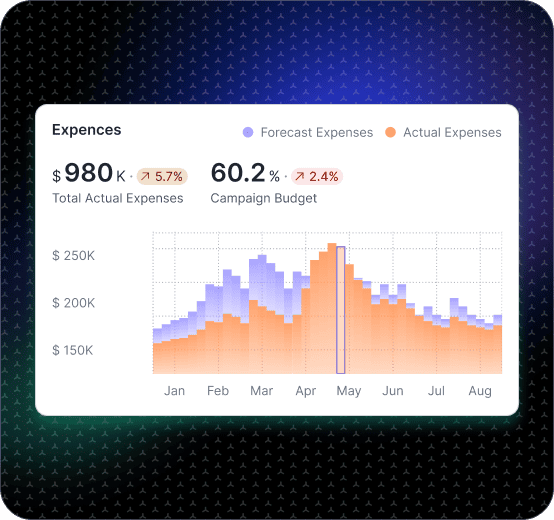
Marketing Dashboard

Track CAC, ROAS, pipeline impact, and channel mix in one marketing dashboard

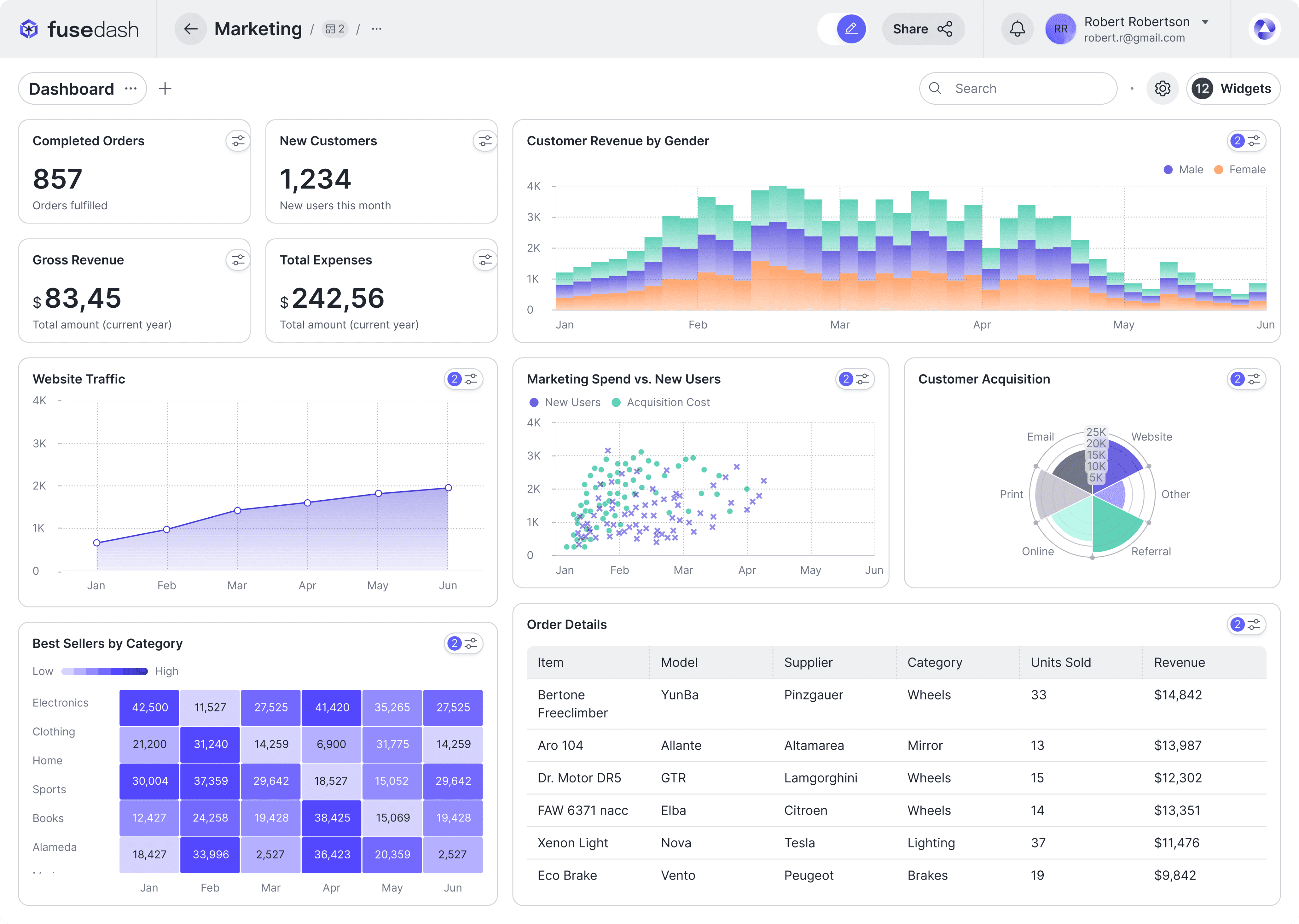
Marketing performance changes in small ways first: one channel gets more expensive, a landing page softens on mobile, or a new campaign shifts conversion quality. Fusedash helps you build a marketing dashboard that connects spend to outcomes so your team can pace budget, measure experiments, and decide what to scale without guessing.

Use it as a campaign performance dashboard for weekly optimization, a ROAS dashboard to keep efficiency grounded in context, and a CAC dashboard that highlights when acquisition cost rises faster than results. For internal marketing optimization and decision-making. If you’re building client-facing reporting, see Client Dashboard. Build the core view with dashboard software. Use charts for clean comparisons. Add real-time monitoring for fast shifts.

fusedash/ag.drone
Daily marketing decisions

What a digital marketing dashboard should answer every week

A good online marketing dashboard makes it obvious whether performance is improving, drifting, or being distorted by spend timing, attribution noise, or experiment effects.

Daily marketing decisions

What a digital marketing dashboard should answer every week

A good online marketing dashboard makes it obvious whether performance is improving, drifting, or being distorted by spend timing, attribution noise, or experiment effects.

Are we on pace for this month’s goals, or behind due to volume or efficiency?
Which channel is moving first, and is it quality or cost that changed?
What changed in conversion rate by landing page, device, or audience?
Are we seeing diminishing returns as spend increases?
Which experiments are working, and which are consuming budget without impact?
What should we do next: reallocate budget, fix the funnel, or refine targeting?
Dashboard views

The marketing views teams use to run growth

Internal marketing teams typically need four views: performance by channel, campaign diagnostics, funnel conversion, and a weekly experiment tracker.

Dashboard views

The marketing views teams use to run growth

Internal marketing teams typically need four views: performance by channel, campaign diagnostics, funnel conversion, and a weekly experiment tracker.

Insights-Driven Platform
Performance Overview

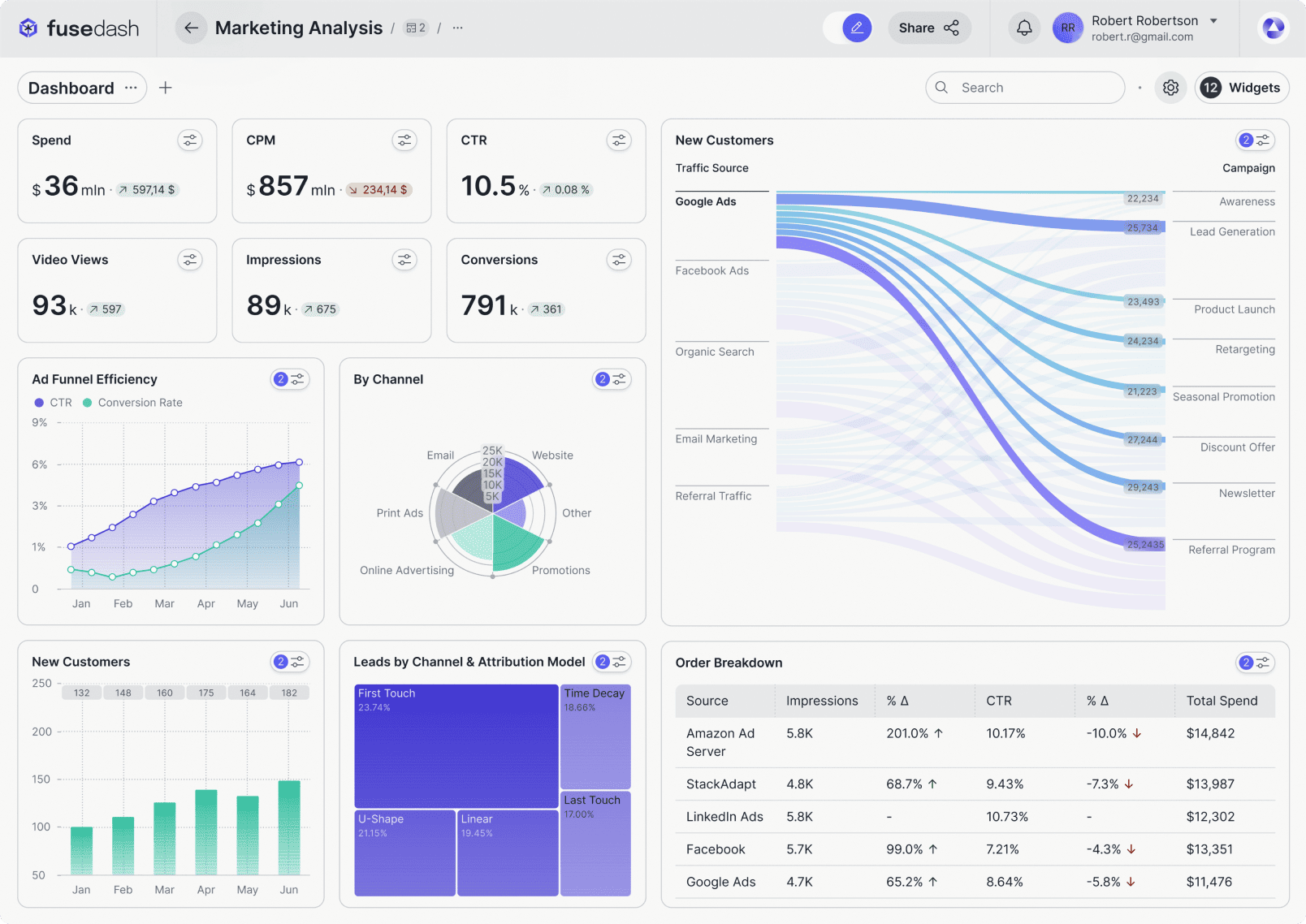
Marketing performance dashboard (channel mix)

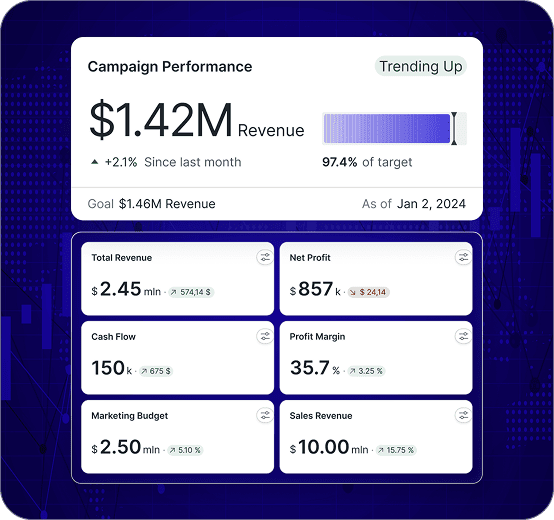
A single view of outcomes and efficiency by channel, with trend comparisons that show whether you are gaining momentum or paying more for the same result.

Campaign Diagnostics

Campaign performance dashboard

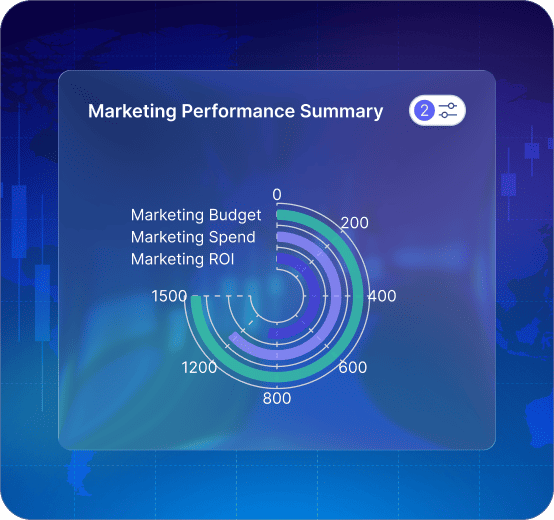
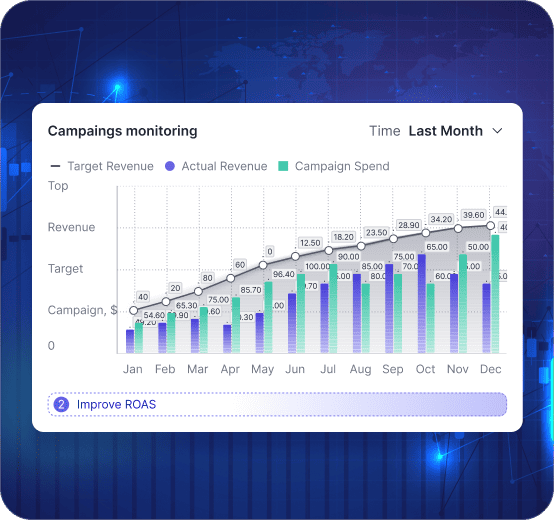
Break down spend, conversions, CAC, and ROAS by campaign and creative so it is clear what to scale, pause, or rebuild.

Funnel and UX

Conversion dashboard (landing pages and device)

Track conversion changes by landing page and device to find where drop-offs start and what to test next before CAC rises further.

Experiment Tracking

Testing and learnings dashboard

Track experiments and releases with before-and-after comparisons so wins are repeatable and “gut feel” gets replaced by evidence.

Getting Started

How to build a marketing dashboard in Fusedash

Start with a view your team will open every week. Once that view is stable, add deeper diagnostics for campaigns, landing pages, and experiments.

Getting Started

How to build a marketing dashboard in Fusedash

Start with a view your team will open every week. Once that view is stable, add deeper diagnostics for campaigns, landing pages, and experiments.

Insights-Driven Platform
01

Connect the sources that define performance

Bring together ad spend, web analytics, conversion events, and lead or revenue outcomes when available. Start with the minimum sources needed to explain results.

02

Choose your primary outcome metric

Decide what “success” means for your team: revenue, qualified leads, pipeline, or subscriptions. This keeps the dashboard focused and prevents vanity reporting.

03

Build comparisons and pacing views

Use week-to-date and month-to-date pacing, plus prior-period comparisons, so performance drift is visible early.

04

Add drilldowns that match how you optimize

Filters for channel, campaign, creative, landing page, device, audience, and location make optimization faster without rebuilding reports.

Fusedash Builder

Build a marketing dashboard your team can run weekly: clean KPI definitions, fast drill-downs, and shareable views that keep decisions consistent.

Start a free trial

Marketing KPIs to track first

A marketing dashboard is useful when it connects spend to outcomes and shows early warnings before results miss targets. Start with these KPIs, then break them down by channel, campaign, and landing page.

Spend pace and budget remaining for the month
CAC trend and ROAS direction by channel and campaign
Conversion rate shifts by landing page and device
Lead or revenue quality signals when available

Budget pacing that prevents late-month surprises

Many teams only discover problems at month-end. A good marketing dashboard shows pacing early, so you can shift budget while you still have time to recover results.

Month-to-date pacing vs target and vs prior period
Channel mix changes that explain performance drift
Diminishing returns signals as spend increases
Clear reallocation decisions based on efficiency and quality

ROAS with context, not arguments

ROAS becomes misleading when it is viewed as one number without segmentation. A strong ROAS dashboard shows what changed by campaign, audience, and time window so decisions are clear.

ROAS by campaign and creative with clean time comparisons
New vs returning impact when it matters to your business
Conversion rate and AOV shifts that explain ROAS movement
Breakdowns that show which segment caused the change

Real-time monitoring when performance shifts fast

Some weeks you can wait for the daily report. Other weeks you cannot. Real-time monitoring helps you catch drops during launches, promos, tracking changes, or sudden spend spikes.

Spend spikes or delivery changes after campaign launches
Conversion drops after landing page or checkout changes
Tracking or attribution anomalies that distort reporting
Sudden channel drift during promotions or peak periods
FAQs Section

Marketing dashboard FAQs

Common questions teams ask when building a marketing dashboard for internal optimization.

FAQs Section

Marketing dashboard FAQs

Common questions teams ask when building a marketing dashboard for internal optimization.

What is a marketing dashboard?

A marketing dashboard is a centralized view of spend, outcomes, and efficiency metrics like CAC and ROAS. It helps teams pace budget, diagnose performance shifts, and decide what to scale.

What should a campaign performance dashboard include first?

Start with spend, conversions, CAC, and ROAS by channel and campaign. Then add landing page and device breakdowns to explain conversion changes.

How do I build a CAC dashboard that helps me act?

Track CAC trends by channel and campaign, then segment by landing page, device, and audience to find the driver behind increases and the best lever to fix it.

How do I make ROAS useful for decision-making?

Use consistent time windows, compare periods, and segment by campaign and audience. Add conversion rate and AOV context so ROAS changes are explainable.

Is this for internal marketing teams or client reporting?

This page is for internal optimization and performance management. For client-facing reporting dashboards, see Client Dashboard.

Ready to run marketing with a decision-ready dashboard?

Track CAC, ROAS, channel mix, and conversion drivers in one marketing dashboard. Pace budget, measure experiments, and spot shifts early.