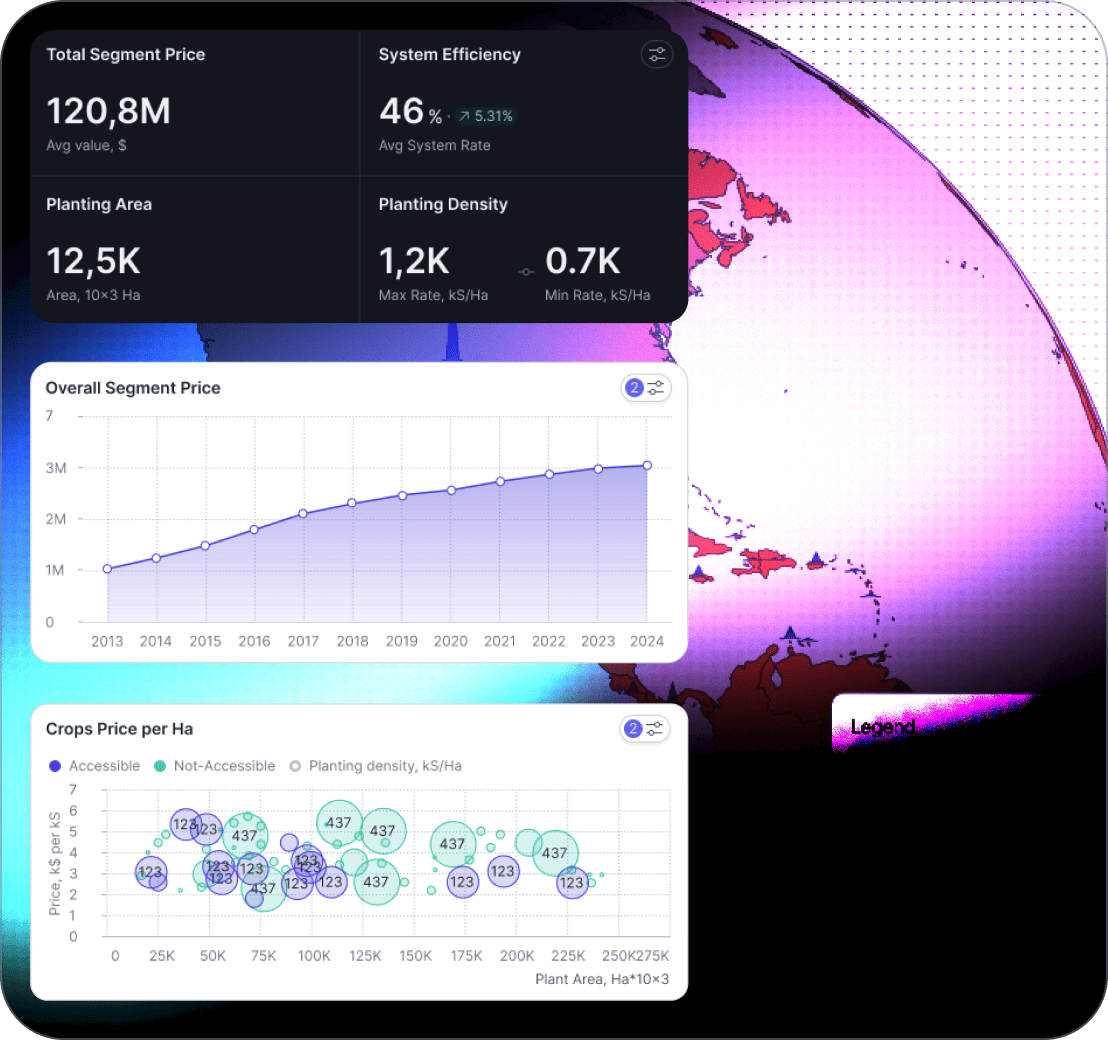
Finance Dashboard

Budget vs actual, cash flow, close reporting, and forecasting in one view

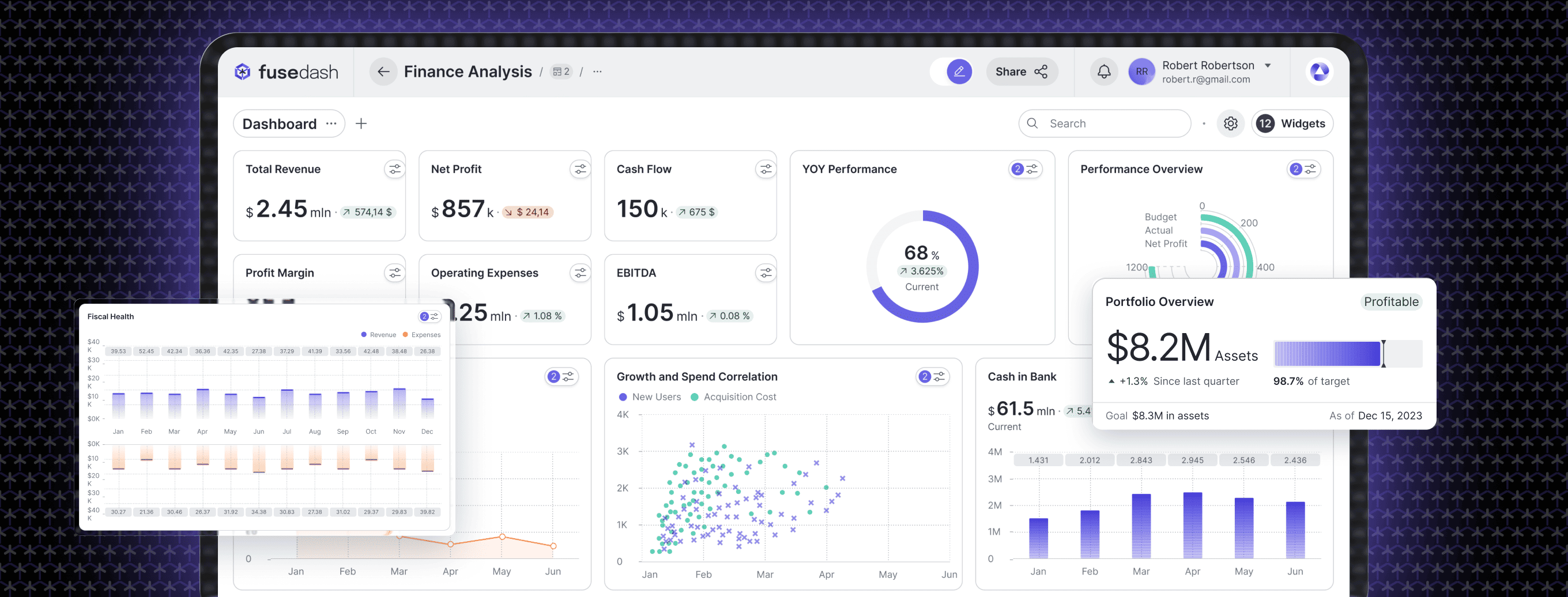
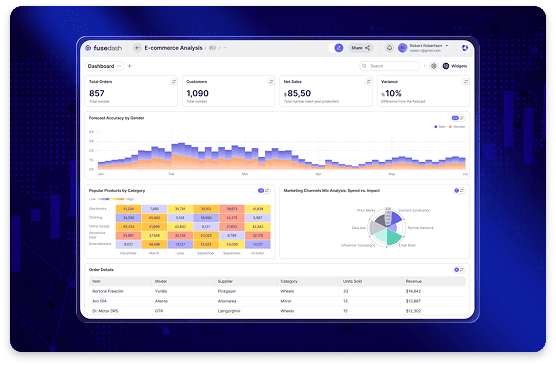
Finance teams don’t need another set of disconnected spreadsheets. You need a finance dashboard that turns close data into a repeatable operating rhythm: track performance vs plan, monitor cash direction, and explain variance with enough detail to act. Fusedash helps you build a financial reporting dashboard that stays consistent across periods and stakeholders.

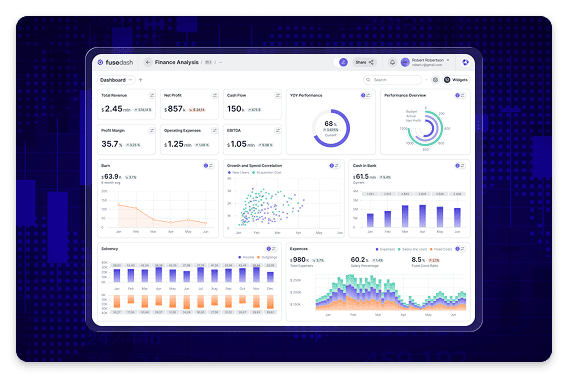
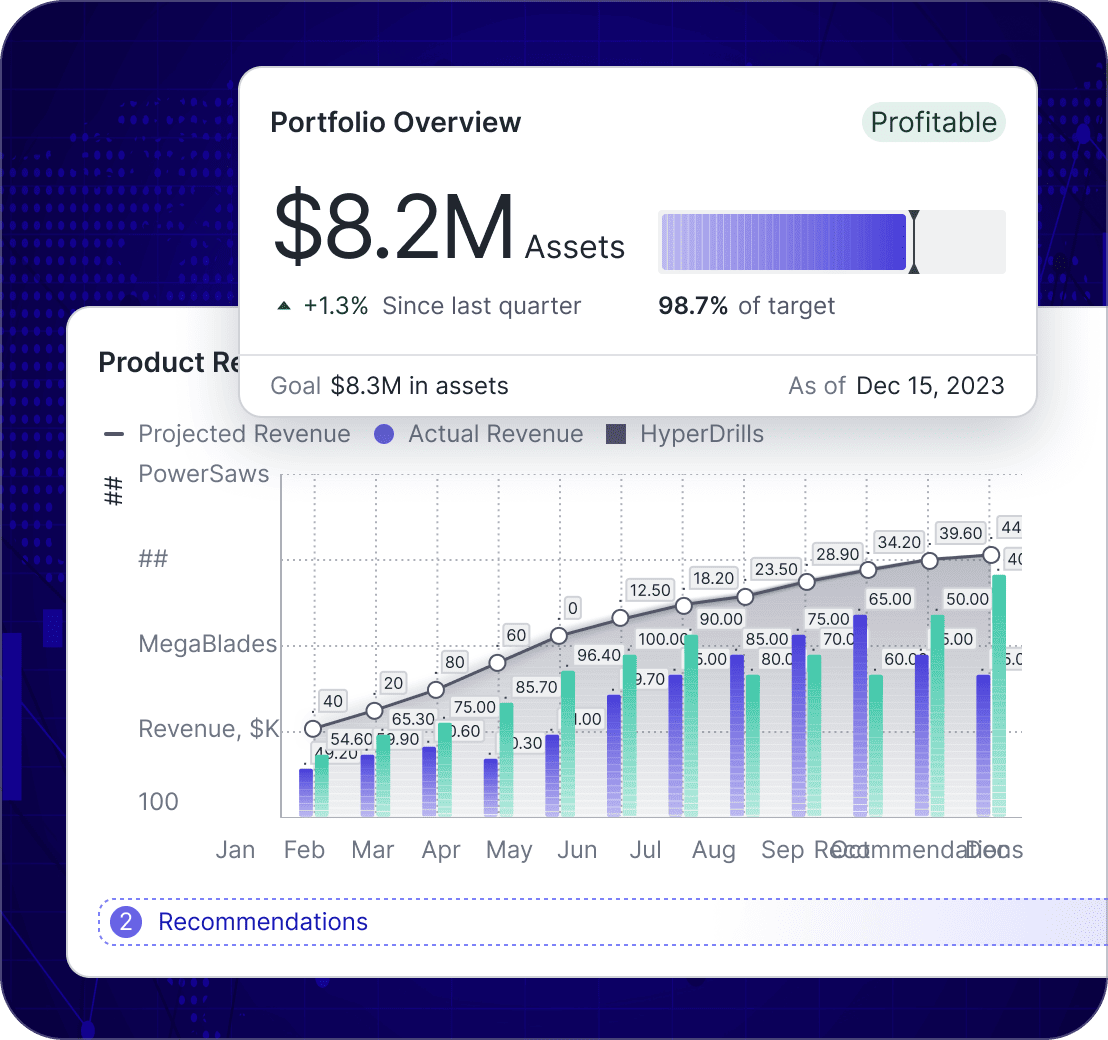
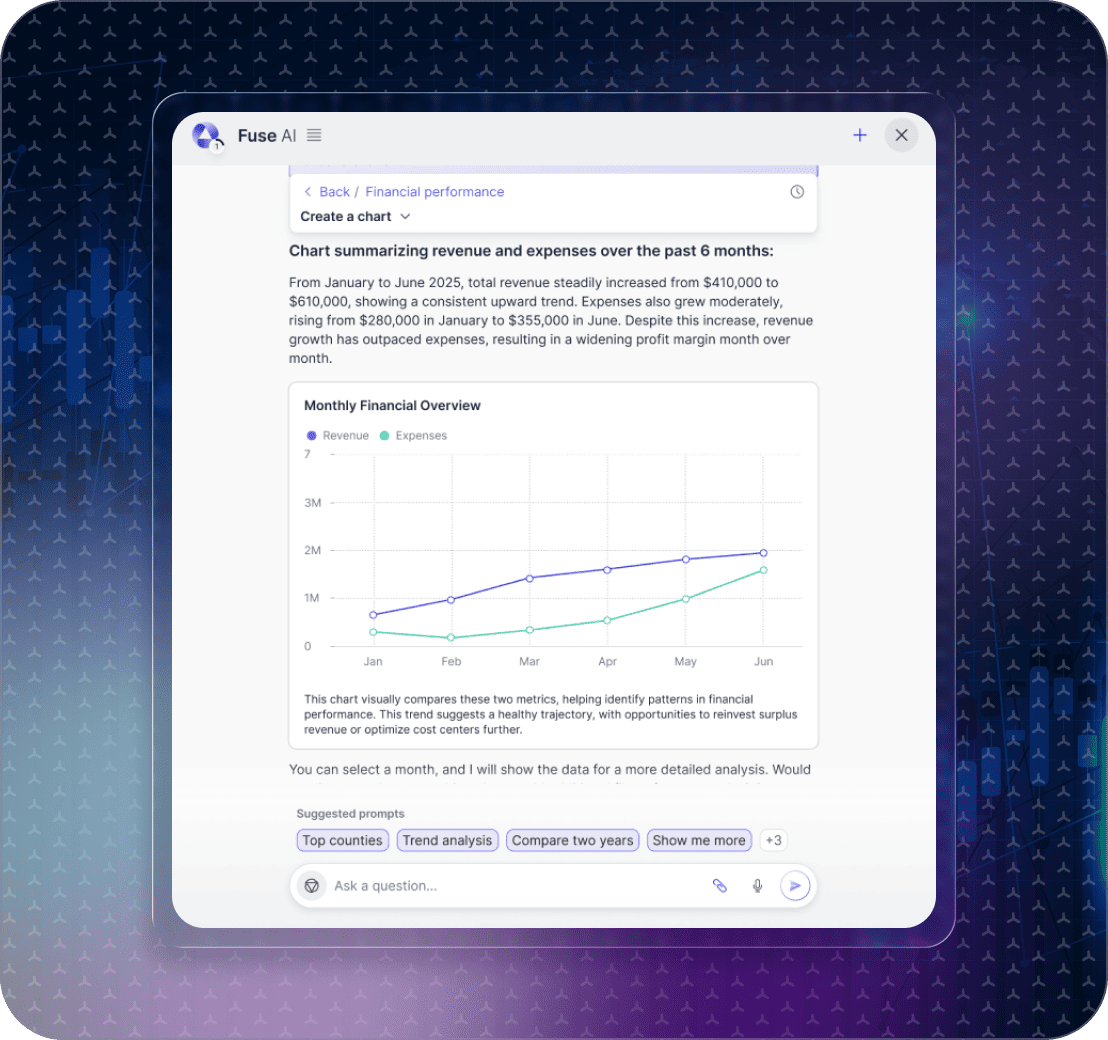
Use it as a cash flow dashboard for runway visibility, a budget vs actual dashboard for department accountability, a P&L dashboard for performance review, and a forecasting dashboard to track variance as assumptions change. Start with dashboard software. Use charts for variance clarity. Turn monthly reporting into a clear narrative.

fusedash/ag.drone
Finance operating rhythm

What a finance dashboard should make faster every month

A finance dashboard should compress the time between close and decision-making. It should show performance vs plan, highlight what changed, and make variance explainable without hunting across tabs.

Finance operating rhythm

What a finance dashboard should make faster every month

A finance dashboard should compress the time between close and decision-making. It should show performance vs plan, highlight what changed, and make variance explainable without hunting across tabs.

Are we ahead or behind plan, and which line items drove the variance?
What is cash direction, and are we trending inside runway expectations?
Which departments are over or under budget, and why?
What changed since last close: price, volume, mix, headcount, or timing?
How is forecast variance trending, and are assumptions still valid?
What should we do next: reforecast, cut, invest, or investigate deeper?
Dashboard views

The finance views teams use for close and planning

Finance teams typically need stable, repeatable views: one for the P&L, one for cash, one for budget accountability, and one for forecasting and variance.

Dashboard views

The finance views teams use for close and planning

Finance teams typically need stable, repeatable views: one for the P&L, one for cash, one for budget accountability, and one for forecasting and variance.

Insights-Driven Platform
Close Reporting

P&L dashboard (monthly performance)

A clear view of revenue, COGS, gross margin, and operating expenses with period comparisons so performance is obvious immediately.

Cash Visibility

Cash flow dashboard (runway direction)

Monitor cash in, cash out, burn, and runway direction with trend context that helps leaders understand timing risk.

Budget Accountability

Budget vs actual dashboard (department owners)

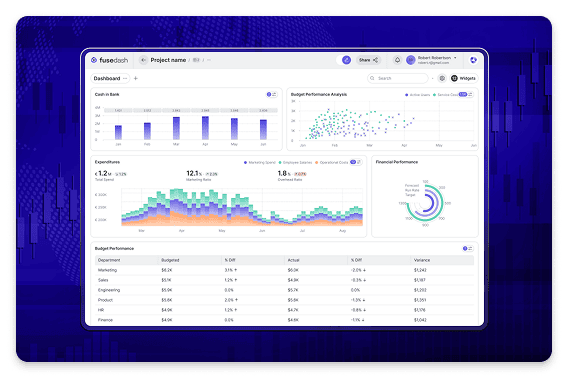
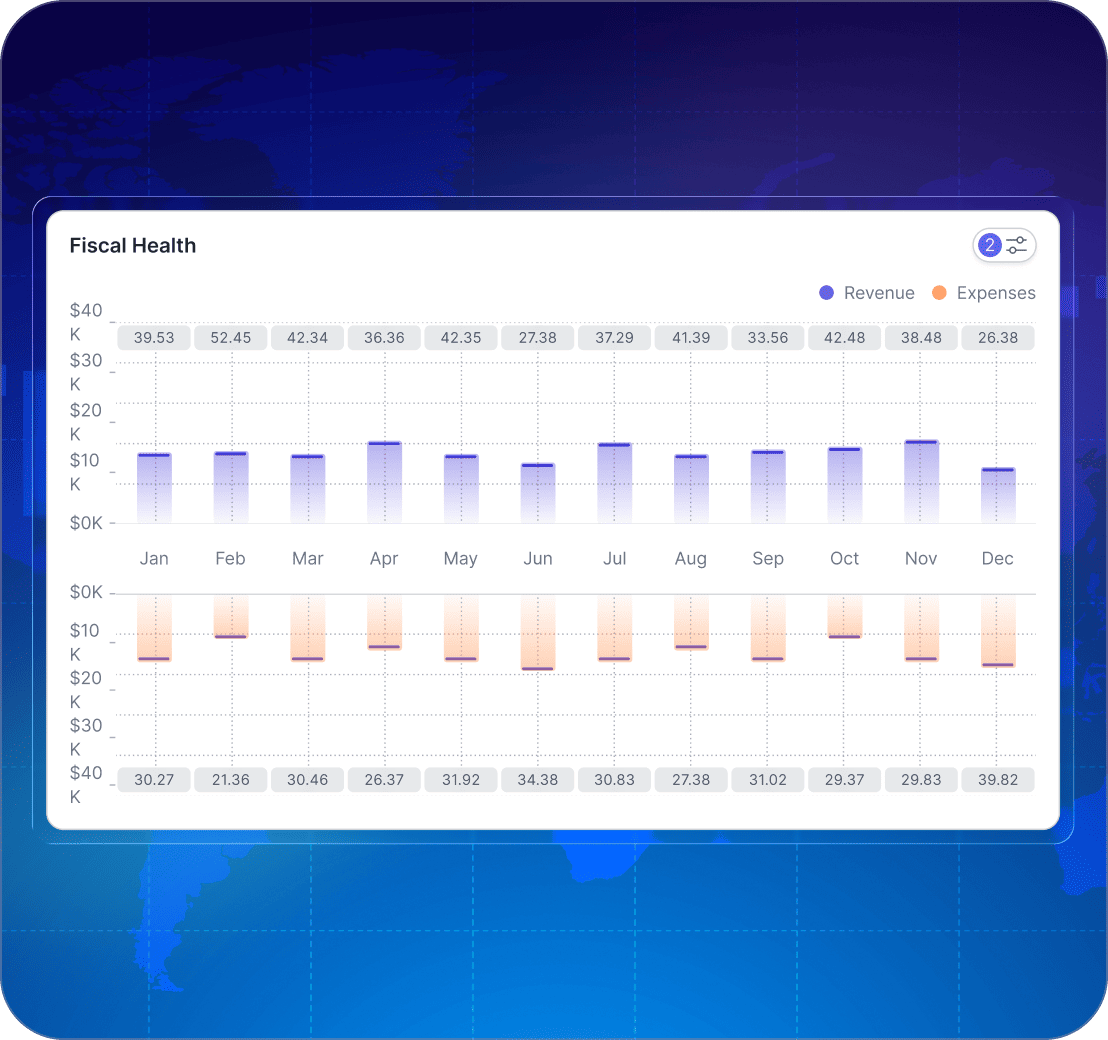
Compare actuals vs budget by department and category, then drill into the biggest variances to explain what changed and what needs action.

Forecasting

Forecast variance dashboard (assumptions and drift)

Track forecast accuracy, reforecast cycles, and variance drivers so the team sees drift early and updates assumptions with confidence.

Getting Started

How to build a finance dashboard in Fusedash

Start with the views you repeat every month. The best finance dashboard is not the most detailed, it is the most reliable and easiest to explain.

Getting Started

How to build a finance dashboard in Fusedash

Start with the views you repeat every month. The best finance dashboard is not the most detailed, it is the most reliable and easiest to explain.

Insights-Driven Platform
01

Connect your close and budget sources

Import close outputs, budget models, and planning files via CSV or connect to your data sources. Start with the tables that finance already trusts.

02

Standardize the chart of accounts and mapping

Align account categories, departments, and cost centers so the dashboard reflects how finance reports internally and avoids category drift.

03

Build variance-first reporting views

Create views where variance is the default lens. Show actual vs budget, actual vs forecast, and period-over-period so the finance story is clear.

04

Add drilldowns for explanations, not noise

Drill into department, category, vendor, and project views so variance is explainable without exporting and rebuilding.

Fusedash Builder

Build finance reporting your team can trust: consistent mappings, variance drilldowns, and shareable views for leadership and budget owners.

Start a free trial

Finance KPIs to track first

A finance dashboard is only as useful as the KPIs it makes repeatable. Start with these KPIs, then break them down by department and category to explain variance fast.

Actual vs budget variance and variance % by month and department
Cash balance, burn direction, and runway trend
P&L performance with gross margin and operating expense movement
Forecast variance and assumption drift across major line items

Budget ownership without endless back-and-forth

Finance teams lose time when every variance becomes a meeting. A budget vs actual dashboard should make accountability clear and keep conversations grounded in the same definitions.

Department views that show the biggest variances first
Category drilldowns that explain what changed and why
Consistent time windows so owners stop debating periods
A clean summary for leadership plus detail for budget owners

Close reporting that stays consistent quarter after quarter

A financial reporting dashboard should preserve the same structure each close, so leadership knows where to look and finance spends less time rebuilding the same pack.

A recurring P&L view with stable categories and comparisons
Month-to-date and quarter-to-date context for performance
A clear “what changed” focus for the variance story
Shareable views that replace screenshot decks

Forecasting dashboards that show drift early

Forecasts fail slowly. A forecasting dashboard helps you see where assumptions stop matching reality so reforecasting happens before surprises compound.

Forecast vs actual variance trends across key line items
Early warning signals for spend run-rate acceleration
Scenario comparisons when assumptions change
A clear view of what moved since the last forecast cycle
Build clearer variance and scenario views with Charts and turn forecast updates into a narrative with Storytelling.
FAQs Section

Finance dashboard FAQs

Common questions finance teams ask when building dashboards for budget vs actual, cash flow, P&L, and forecasting.

FAQs Section

Finance dashboard FAQs

Common questions finance teams ask when building dashboards for budget vs actual, cash flow, P&L, and forecasting.

What is a finance dashboard?

A finance dashboard is a single view of financial performance and planning that helps teams run a consistent reporting rhythm. It typically includes a P&L view, cash flow signals, and planning metrics like budget vs actual and forecast variance so finance can spot drift early and guide decisions.

What should a financial reporting dashboard include first?

Start with the core leadership view: revenue, gross margin, operating expenses, and operating profit, with comparisons against plan and the prior period. Add a simple “what changed” summary plus drilldowns by department, product line, or entity so reporting stays fast and consistent.

What should a budget vs actual dashboard include first?

Begin with budget vs actual by department and major line items, then include variance to plan, variance % and a short variance driver view. The most useful layout shows month-to-date and quarter-to-date so owners can see whether the drift is compounding.

What should a cash flow dashboard track?

A cash flow dashboard should focus on liquidity and runway signals: cash balance trend, inflows and outflows, burn direction, AR and AP timing, and key working capital drivers. Add scenario views only after the basic timing picture is reliable.

How does a forecasting dashboard help finance teams?

Forecasts fail slowly. A forecasting dashboard helps you see where assumptions stop matching reality so reforecasting happens before surprises compound. Track forecast vs actual variance trends, early warning signals like spend run-rate acceleration, and what moved since the last forecast cycle.

How do finance teams use dashboards during month-end close?

A dashboard keeps close aligned by showing completion status, late inputs, and the latest view of results as entries land. It also reduces back-and-forth by centralizing the latest numbers, plan comparisons, and the top variance drivers before leadership review.

Can we share finance dashboards with department owners?

Yes. Share department-level views so owners see their budget, actuals, and variance drivers using the same KPI definitions finance uses. For leadership-ready reporting updates, pair the dashboard with storytelling.

How do we explain variance so stakeholders trust the numbers?

Make variance explainable: show the delta, then show the drivers. Add consistent definitions, time windows, and filters, and include drilldowns by department, entity, and major accounts so stakeholders can validate the story behind the variance.

Ready to build a finance dashboard your team can trust?

Track budget vs actual, cash flow direction, P&L performance, and forecast variance in one finance dashboard. Share a consistent view and explain variance fast.