Automating client SEO reports cuts reporting time from 3 to 5 hours per client to under 40 minutes. The cycle most agencies are stuck in: log into Google Search Console, export, open the rank tracker, export, paste the numbers into last month's template, reformat the cells that broke, write the summary, send for review. The fix: connect data sources via API, define a consistent KPI template, generate the client view, schedule delivery.
Most agencies that try automated reporting and still spend hours on it have fixed the last step without fixing the first three. They schedule a PDF to send on the 1st of each month and call it automated. That is delivery automation. Reporting automation is different, and it requires building four layers in order.
What a Client SEO Report Should Include
A client SEO report should cover five areas: organic traffic performance, keyword ranking movement, backlink profile changes, technical health status, and a plain-language summary of what changed and what comes next.
- Organic traffic: total sessions from organic search, broken down by landing page and compared to the prior period, with context for any significant movement up or down.
- Keyword rankings: position changes for tracked target keywords, with flags for terms that entered or left the top 10 and any SERP feature gains or losses.
- Backlink profile: new links acquired, lost links, and domain authority movement, with a note on high-quality placements or toxic links flagged for disavow.
- Technical health: open critical and high-priority crawl errors from the most recent audit, page speed trends, and Core Web Vitals pass/fail status.
- Insight and next steps: one paragraph of plain-language summary explaining what the data means and two to three specific recommendations for the next 30 days. This is the section most automated tools skip and the one clients actually read.
The automation challenge is not the content. It's pulling all five sections from separate tools without spending hours on manual export and formatting.
How to Automate Client SEO Reports in 4 Steps
Automating SEO reporting is a four-layer process. Each layer must be working before the next one adds value.
Step 1: Connect Your Data Sources Without Manual Export
The first automation problem is not the report itself. It's the data collection step. Most agencies manually export from three to five separate platforms every month: Google Search Console, GA4, a rank tracker, a backlink tool. Each export requires logging in, setting a date range, downloading a file, and reformatting it. That process alone takes 30 to 60 minutes per client before a single chart is built. The fix is direct API connections, not manual exports.
Google Search Console and GA4 both have native API connections to Looker Studio and most major reporting tools. Use those, not manual exports. Rank trackers like Semrush, Ahrefs, SE Ranking, and Keyword.com all expose data via API or have direct integrations with dashboard tools. Backlink data can be pulled via API or scheduled exports that feed directly into your aggregation layer.
If you're exporting a CSV and then uploading it somewhere else, you haven't automated the data layer. You've just moved the manual step.
Step 2: Define a KPI Template That Works Across Clients
The second failure point: every client gets a custom report built from scratch each month. Metrics differ, layouts differ, comparison periods differ. When every report requires different logic, there's nothing consistent enough to automate.
The fix is a standard reporting template with clearly scoped customization.
Choose five to seven core KPIs that apply to every SEO client:
- Organic sessions from search
- Keyword rankings (top 3, top 10, top 100 counts)
- Domain rating or domain authority
- Backlinks acquired this period
- Core Web Vitals pass/fail status
- Organic conversion events from GA4
Allow one client-specific section for goals that differ by account: local rankings for local clients, ecommerce revenue for online stores, lead form completions for B2B. Define date comparisons consistently: month over month and year over year, not just the period that makes the client look good.
The most common mistake is building the template around what a specific client cares about rather than what every client should track. Start with the universal layer, then add the client-specific section on top.
Step 3: Build the Client Dashboard Layer
This is where most agencies skip ahead too fast. They connect a few data sources, find a report template, and deliver a PDF that looks automated but still requires manual checking and QA every month. The dashboard layer is different from a PDF report.
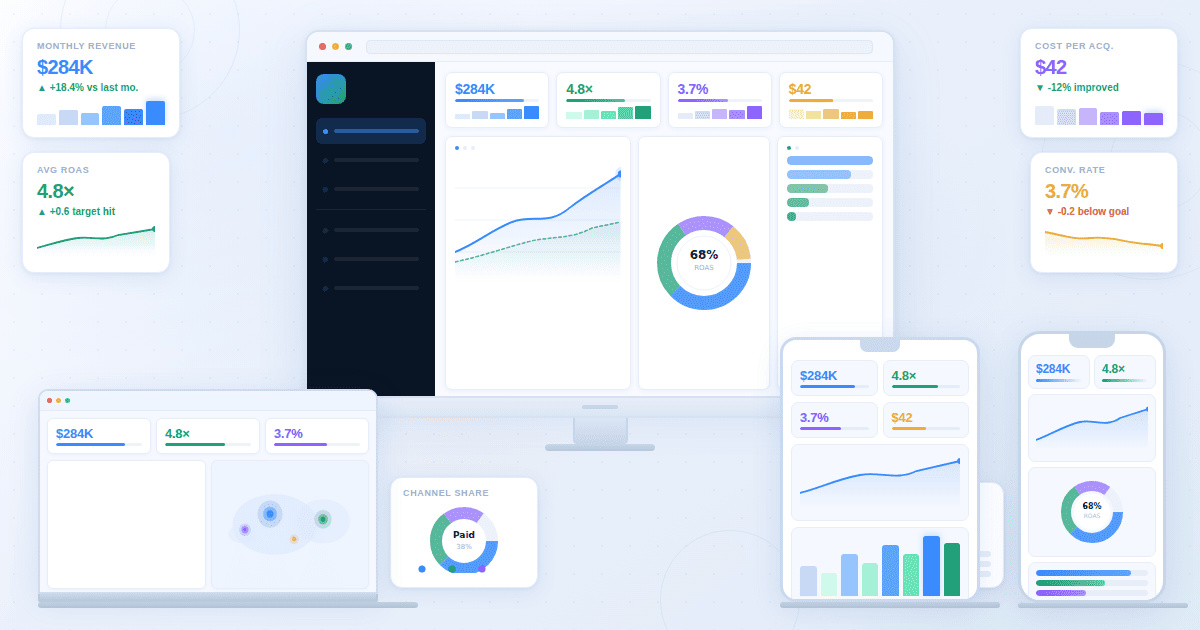
A good client dashboard updates automatically as data refreshes, lets clients filter by date range or landing page without contacting the agency, and shares via a link with no login required.
There are two main approaches agencies use at this layer.
Looker Studio (free, Google-connected): Works well for agencies whose clients' data lives primarily in GSC and GA4. Native connectors pull data without manual export. The limitation: Looker Studio requires manual chart building for every new client dashboard. At five clients that's manageable. At twenty it's a recurring time sink, and quality depends on whoever built it that month.
Here is what that looks like in practice. When a new client onboards, an account manager opens a blank Looker Studio report, adds the data connections, selects chart types, arranges the layout, and applies the agency color scheme. That takes 45 to 90 minutes. At twenty clients, that setup cost never disappears. It just repeats for every new client who joins.
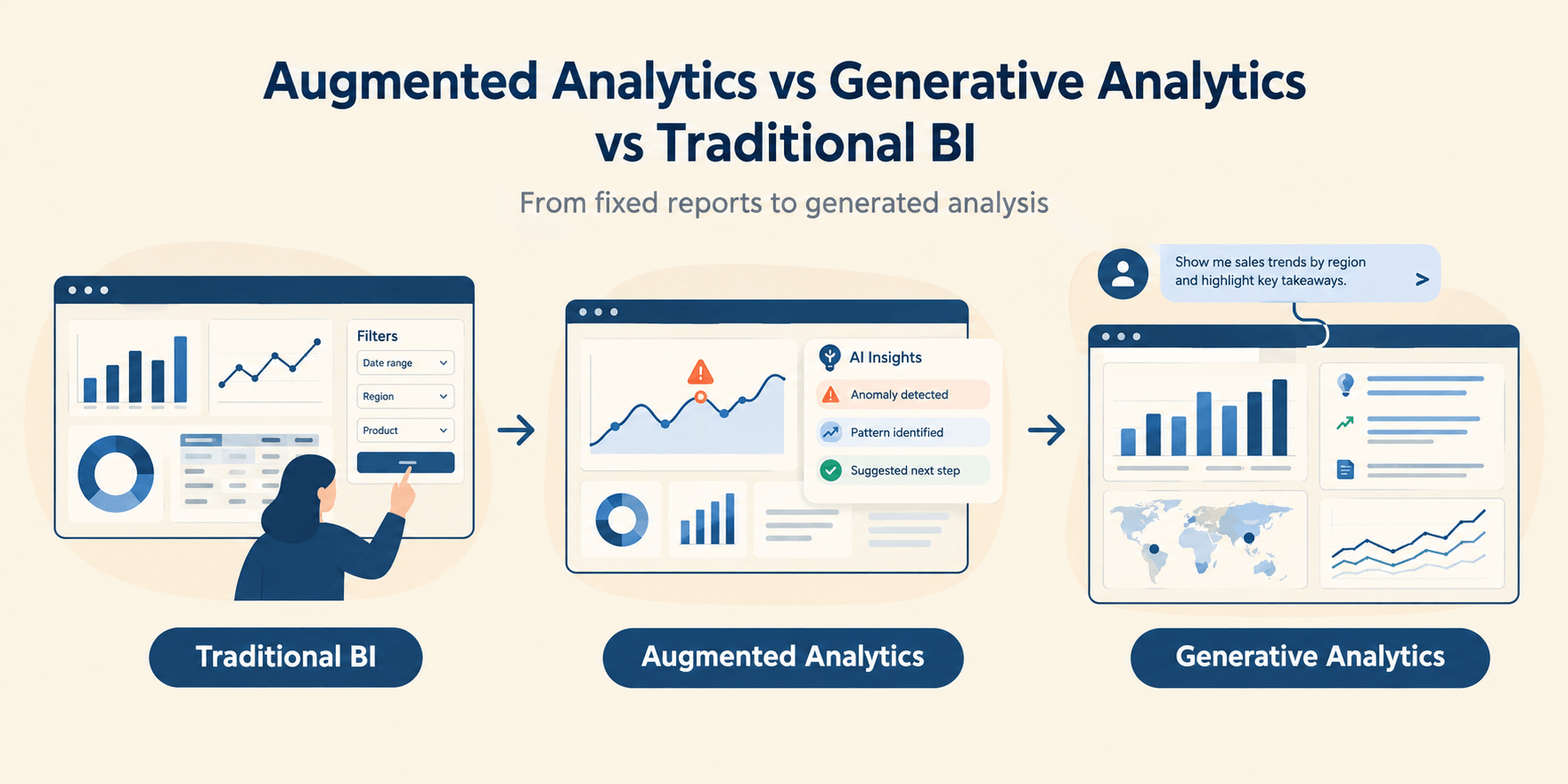
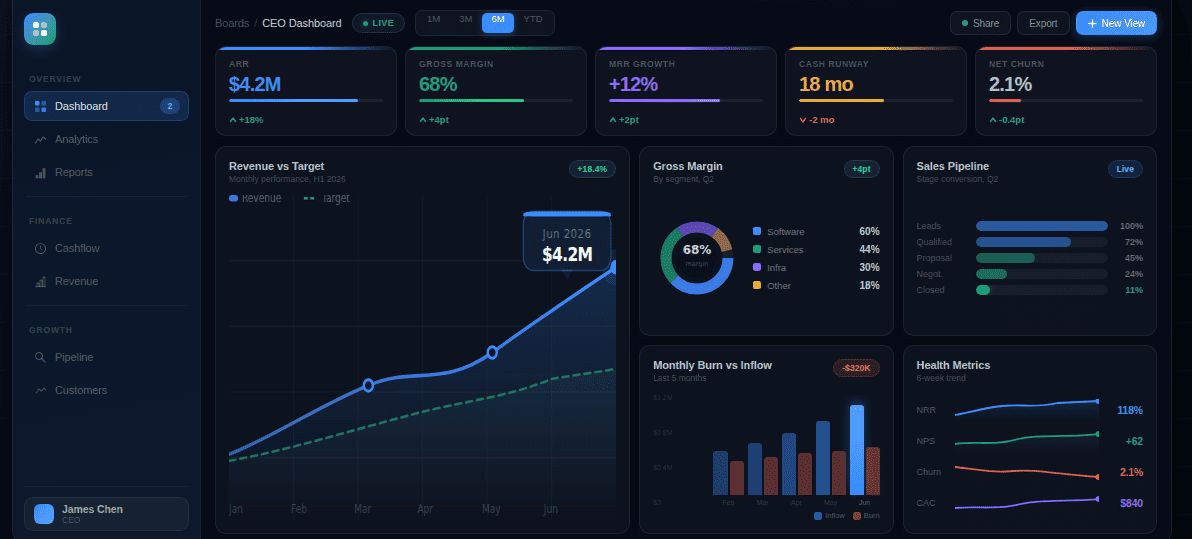
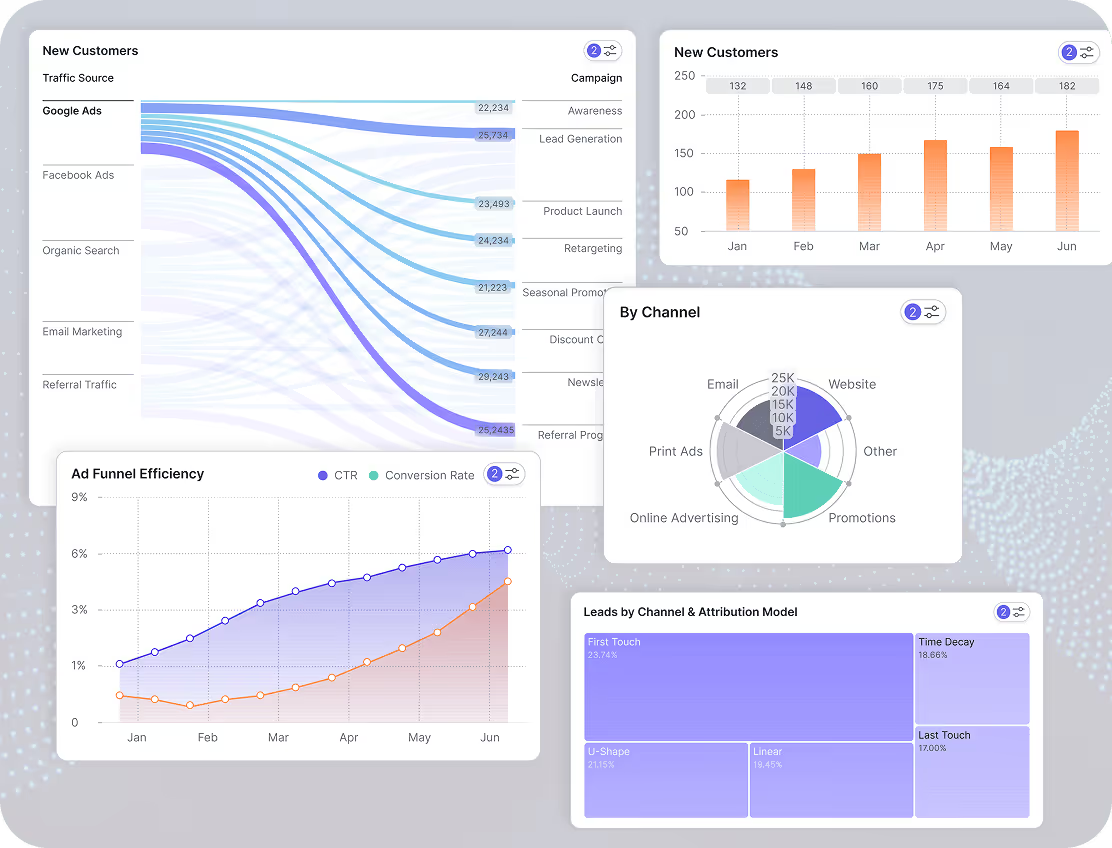
AI-generated dashboards: Tools like Fusedash take aggregated data and generate the client reporting dashboard from a description rather than requiring manual chart building. An account manager describes what the client dashboard needs to show, and the platform builds the layout, KPI cards, and chart types automatically. For agencies managing ten or more clients, the time saved on dashboard configuration adds up quickly.
The dashboard shares as a live interactive link that updates as data refreshes. Clients who want to dig into the numbers can ask follow-up questions directly within the dashboard without the account manager rebuilding a view for each one.
One honest limitation: Fusedash works best when data arrives via CSV export, REST API, or a configured integration. If the aggregation layer at Step 2 isn't clean, the dashboard layer will surface that problem rather than hide it.
The dashboard layer is where the report shifts from "data we pulled" to "the story we're telling this client." Every client gets the same quality of presentation regardless of who prepared it.
Step 4: Schedule Delivery and Set the Cadence
The final layer is the simplest to automate, which is exactly why agencies start here. They set up a PDF delivery schedule, call reporting automated, and wonder why they still spend time on it each month. Delivery automation only adds value after the first three layers are working.
There are two delivery options worth understanding.
Scheduled PDF: Most SEO reporting tools and Looker Studio can send a formatted PDF to a client email on a set schedule. The downside is that a PDF is static: the moment it's delivered, the data starts aging and follow-up questions require the account manager to rebuild a view.
Live dashboard link: Sharing a dashboard URL gives clients access to current data at any time, not just on report day. Clients who can check their own dashboard between calls ask fewer emergency questions and arrive at monthly reviews better prepared.
All-in-one agency platforms like AgencyAnalytics and Reporting Ninja handle delivery scheduling alongside rank tracking and data aggregation, removing the need for separate tools at each layer. Worth evaluating if you'd rather run everything through one platform.
For cadence, monthly is the standard for most SEO retainers. It gives enough time for changes to show measurable impact and aligns with typical billing cycles. Weekly makes sense during site migrations, algorithm recoveries, or campaigns with rapid change.
Set the delivery schedule before you start work for a new client. If the client expects a report on the 5th and your aggregation layer doesn't update until the 8th, you'll be in manual cleanup mode every single month.
The Before/After: Manual vs Automated SEO Reporting
According to a Vendasta survey of digital marketing clients, 42.86% are unsatisfied with their agency's reports. The most common complaint is not inaccuracy. It's that reports don't explain what the numbers mean or what happens next. Here is what reporting looks like for a single client when it's manual versus when all four layers are working.
Manual workflow (what most agencies do today):
- Log into Google Search Console, set the date range, export or screenshot organic performance data
- Log into GA4, pull organic traffic by landing page, export to spreadsheet
- Log into the rank tracker, export keyword position data for the client's tracked terms
- Log into the backlink tool, export or screenshot link acquisition data
- Open the report template from last month, update every data point manually
- Write the insight summary and recommendations section from scratch
- Format the layout, check for data inconsistencies, fix cells that broke during paste
- Send for internal review, make revisions, then send to client
- Total time: 3 to 5 hours per client
Automated workflow (with all four layers working):
- Data sources (GSC, GA4, rank tracker) feed into the dashboard automatically via API connections configured once during client onboarding
- Dashboard updates on a set refresh schedule without any manual action
- Account manager opens the client dashboard, reviews for anomalies, and adds one paragraph of context for any significant movement
- Dashboard link is already shared with the client and updates automatically; PDF version sends on schedule if the client prefers email delivery
- Total time: 20 to 40 minutes per client, almost entirely spent on the insight paragraph
The 20 to 40 minutes that remain are the part that matters: reading the data, forming a view on what happened, and giving the client a recommendation. That is what they're paying for. Everything else should run without you.
Common Mistakes Agencies Make When Automating SEO Reports
Starting with delivery, not data. Scheduling a PDF to send on the 1st does not automate reporting. It automates delivery of whatever is in the report. If that report still requires manual data pulling and formatting, you've automated the last step and left the hard part untouched.
Building a different dashboard for every client from scratch. Time saved on delivery gets consumed by building unique layouts for each new client. A template where data connections swap per client, not layouts, is what makes the system scale.
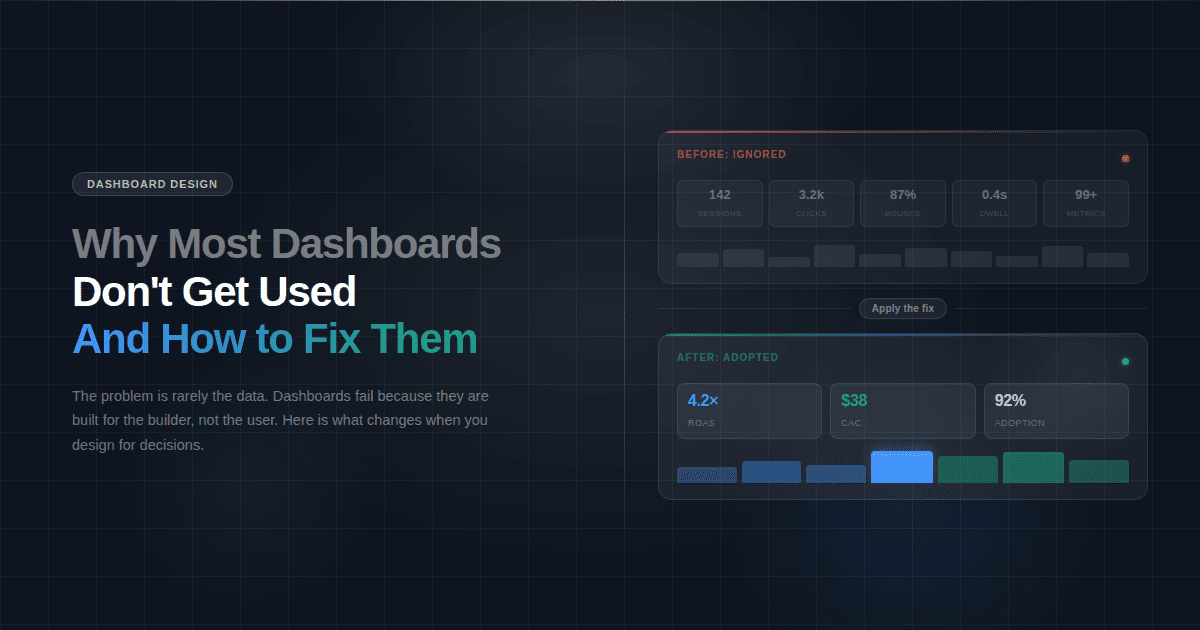
Including every available metric instead of the ones that drive decisions. Automated tools make it easy to add charts. A report with 40 metrics and no interpretation trains clients to ignore it. Six metrics with a clear explanation of what changed builds the trust that retains them.
Forgetting the insight paragraph. Automated tools generate data views. They don't replace the paragraph that explains what the data means for this client's business this month. That paragraph is what prevents the client from canceling when numbers temporarily move in the wrong direction.
Treating all clients as if they have the same data maturity. Some clients want ranking tables. Others want revenue impact only. Reports that ignore this feel generic and undermine the trust that consistent reporting is supposed to build. Ask each client during onboarding how they prefer to consume data. If they want executive summaries only, remove the ranking tables from their template version and replace them with a single traffic and conversion number.
The goal of automating SEO reporting is not to stop thinking about your clients' data. It's to stop doing the mechanical work that prevents you from thinking about it. When data collection, dashboard building, and delivery run without you, interpretation and recommendation become the job. That is the conversation clients pay for.
Most agencies that successfully automate do it client by client. Pick one client, build all four layers correctly, measure the time difference, then apply the same structure to the next account. A working template moves to the next client in a fraction of the original setup time.