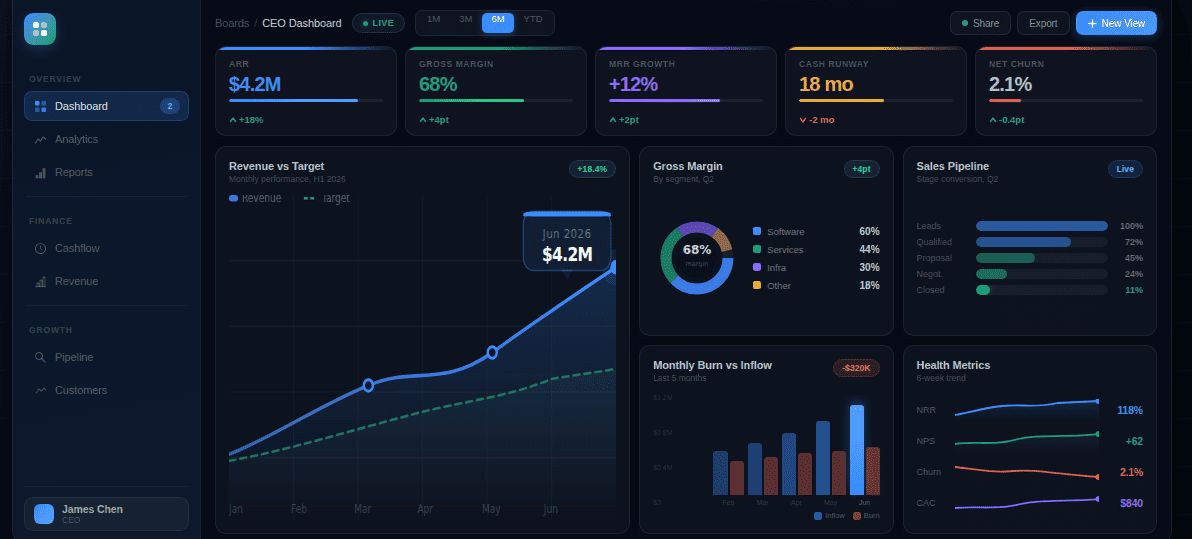
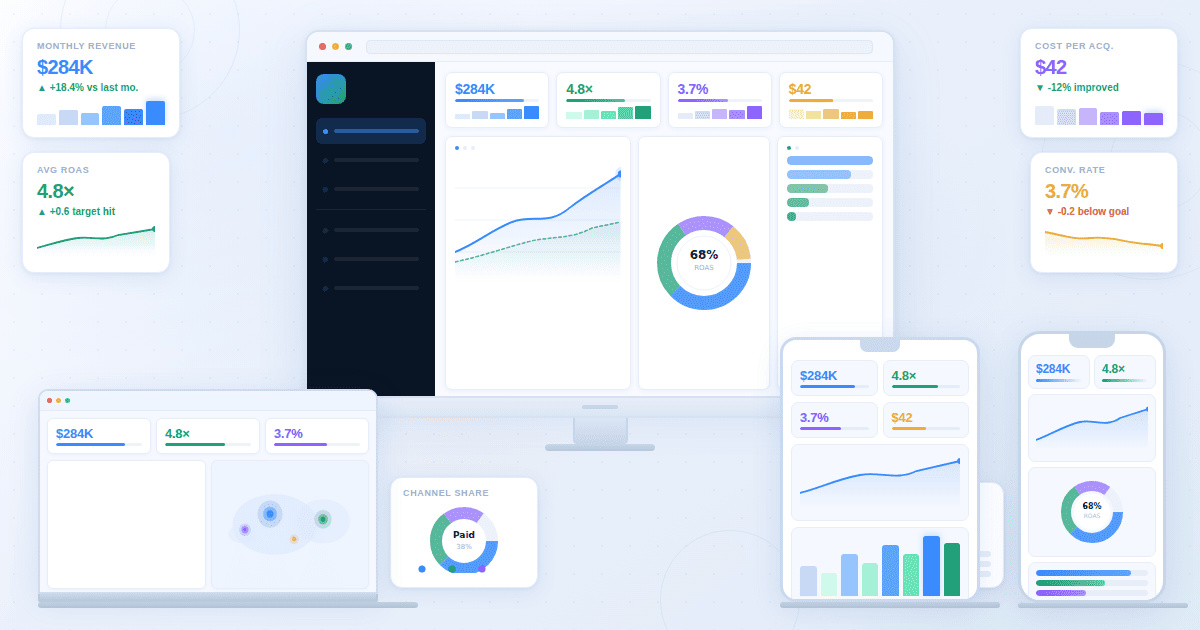
A marketing KPI dashboard shows the metrics that connect your spend to your results, updated automatically from your ad platforms, CRM, and analytics tools. The core KPIs most teams need are CAC, ROAS, pipeline contribution, conversion rate by channel, and budget pacing. For PPC agencies building client dashboards, add campaign-level ROAS, spend vs budget, and cost per lead by platform. Which metrics belong depends on whether you're running the internal marketing function or reporting performance to a client.
Most marketing dashboard guides list 40 metrics and call it a day. That's not a dashboard, it's a data dump. This article covers what actually belongs on screen for two distinct audiences: internal marketing and demand generation teams managing spend across channels, and PPC agencies building digital marketing dashboards for clients. The KPIs, the cadence, and the level of detail differ significantly.
Core KPIs by audience:
For in-house marketing teams:
- Customer Acquisition Cost (CAC)
- Return on Ad Spend (ROAS)
- Marketing-sourced pipeline value
- Cost Per Lead (CPL) by channel
- MQL to SQL conversion rate
- Channel pacing vs budget
- Website conversion rate
For PPC agency client dashboards:
- ROAS by campaign and platform
- Spend vs budget remaining
- Conversions this period vs prior period
- Cost Per Lead or Cost Per Acquisition
- Top-performing campaigns by conversion volume
- Budget pacing alert status
Two Audiences, Two Different Dashboards
Your CMO needs five signals, your paid media manager needs twenty-five, and your agency client needs three. They're not the same dashboard, and trying to make one view serve all three is the fastest way to build something nobody uses.
If you're building a marketing dashboard for an internal team, the priority is connecting channel activity to business outcomes. The marketing dashboard examples that work best for in-house teams show pipeline contribution alongside CAC and channel pacing in a single view. The diagnostic question is: if your CEO asked what marketing contributed to revenue last quarter, could you answer it from your dashboard in 30 seconds? If not, the dashboard is tracking activity, not outcomes.
If you're an agency building a digital marketing dashboard for a client, the question is different. If your client calls asking why ROAS dropped this week, does your dashboard let you answer that before the conversation ends? Client dashboards are accountability tools. They need to show performance, variance from the prior period, and budget status without requiring the client to interpret raw channel data.
Build them separately. Platforms like Fusedash generate both views from connected data without rebuilding charts per audience. The data is the same. The display is entirely different.
Digital Marketing Dashboard: Core KPIs for In-House Teams
Seven KPIs cover what most B2B and SaaS marketing teams need on their primary dashboard. Not every team needs all seven, but this is the foundation most should start from before adding anything channel-specific.
Customer Acquisition Cost (CAC). Total marketing and sales spend divided by new customers acquired in the same period. This is the number that tells you whether growth is sustainable. A rising CAC over three consecutive months means your channels are getting more expensive, your conversion rates are declining, or both. The direction of the trend matters more than the absolute number.
Return on Ad Spend (ROAS). Revenue generated per dollar of ad spend. Blended ROAS gives the top-level view; channel-level ROAS tells you where to shift budget. A blended 4x looks healthy until you break it out and find paid search is at 7x and social is at 1.8x. The dashboard should show both.
Marketing-sourced pipeline. The total value of pipeline where the first marketing touch came from a marketing channel. This is the metric that connects marketing activity to revenue and makes the case for budget. If your CRM doesn't track first-touch attribution, this number will be wrong, and your dashboard will understate what marketing actually contributed.
Cost Per Lead (CPL) by channel. What you're paying for a lead from each channel. Track it alongside lead quality, measured by MQL to SQL conversion rate. A channel generating leads at $30 CPL that converts at 8% to SQL is better than a channel at $15 CPL that converts at 3%. CPL alone is a misleading signal.
MQL to SQL conversion rate. The percentage of marketing-qualified leads that sales accepts as sales-qualified. A declining rate means lead quality is dropping or marketing and sales have misaligned definitions of what qualifies. Either way, it shows up here before it shows up in pipeline numbers.
Budget pacing. Actual spend versus the expected linear pace toward your monthly budget. If you're 15 days into a 30-day month and you've spent 70% of budget, you're either front-loading intentionally or heading for an overspend. This is the metric that prevents end-of-month surprises.
Website conversion rate by channel. The percentage of visitors who complete a desired action, segmented by the channel they arrived from. Organic visitors converting at 4% and paid visitors at 1.2% tells you something about landing page relevance, audience intent, or both. This metric is only useful when you look at it by channel, not as a site-wide average.
A B2B SaaS marketing manager at a 60-person company opens this dashboard every Monday before the weekly revenue review. The top row shows MQL volume at 38 versus a 45 target, CAC at $1,840 trending up for the second consecutive month, and marketing-sourced pipeline at $620K against a $700K quarterly target. Paid social is generating leads at $65 CPL but converting to SQL at 4%. Paid search is at $110 CPL but converting at 14%. The dashboard makes the reallocation decision obvious before the meeting starts.
PPC Dashboard: What to Track by Channel
Google Ads, Meta, and LinkedIn don't share the same failure signals. Tracking the same KPIs across all three means you'll miss the problems each platform hides in its own specific way. A Google campaign burning spend has a different diagnostic signature than a Meta campaign in creative fatigue.
Google Ads KPIs
ROAS or Cost Per Conversion is the headline metric for most Google campaigns. Below that, track Search Impression Share: what percentage of eligible searches your ads appeared in. A campaign with strong ROAS but low impression share has room to scale. A Quality Score below 5 on high-volume keywords means you're paying more per click than competitors in the same position.
Target CPA variance is the most actionable daily metric for Smart Bidding campaigns. If actual CPA is running 25% above target CPA for more than three days, either the target is unrealistic or the campaign structure changed. Track it on the dashboard and set an alert threshold.
Meta Ads KPIs
Frequency is the metric most Meta advertisers forget until it's too late. When it climbs above 3.5 on a single ad set within a 7-day window, you're showing the same ad to the same people repeatedly. CPM goes up, CTR goes down, and ROAS follows. Frequency belongs on the dashboard alongside ROAS so you can see the relationship in real time.
Hook Rate (percentage watching the first three seconds of a video ad) and Thumb Stop Rate (percentage who stop scrolling on your creative) are creative performance signals. A ROAS decline that coincides with a Hook Rate decline is creative fatigue, not a bidding problem.
LinkedIn Ads KPIs
Cost Per Lead via Lead Gen Forms is the primary metric for most B2B LinkedIn campaigns. LinkedIn's targeting is precise and expensive, so CPL benchmarks run much higher than Google or Meta. What matters is CPL relative to deal size: a $200 CPL on a $50,000 ACV product is a completely different calculation from a $200 CPL on a $2,000 ACV product.
Lead Gen Form completion rate tells you whether your offer is compelling enough. A form with 15% completion rate means 85% of people who click your ad decide not to submit. That's an offer problem or an audience mismatch, not a bidding problem.
PPC KPIs by channel: quick reference
What a Client-Facing PPC Dashboard Should Show
A client dashboard needs five elements: spend this period, spend vs budget remaining, conversions versus prior period, ROAS or CPL trend, and the top two or three campaigns by conversion volume. The client reporting dashboard your team uses to manage campaigns internally is not the same view your clients need. Clients aren't optimizing. They're checking whether their investment is working and whether you're on top of it.
That's it. A PPC report template built around these five elements is also what most clients actually read. A client dashboard or digital marketing report with 25 metrics is a liability, not a service. Every metric you add that isn't tied to their business goal adds questions to your monthly call.
The sixth element is the one most dashboards skip: a plain-language summary of what changed and why. Numbers without context create anxiety. A ROAS that dropped from 4.2x to 3.8x looks like a problem unless you know that Q4 seasonality always compresses ROAS in the first two weeks of the quarter. Write that sentence and put it at the top.
Platforms like Fusedash generate client-facing dashboards from a description of what the client needs to see, without manual chart building per account. For agencies managing 10 or more PPC clients, that setup time adds up fast.
Common Mistakes in Marketing Dashboards
Most marketing dashboard problems aren't technical. They're decisions made at setup that looked fine at the time and quietly undermine the dashboard's usefulness over months.
Tracking impressions as a primary metric. Impressions measure how many times your ad was shown. They say nothing about whether anyone clicked, converted, or became a customer. An impression-heavy dashboard creates the illusion of performance while hiding what actually matters. Replace impressions with ROAS, CPL, or pipeline contribution depending on the campaign goal.
Showing channel metrics without business context. A CTR of 4.2% is meaningless without knowing what a click is worth. A CPL of $45 is meaningless without knowing the close rate downstream. Every channel metric should connect to at least one business outcome metric. If it doesn't, it belongs in a campaign optimization view, not the primary dashboard.
Building one dashboard for multiple audiences. The CMO needs five signals. The paid media manager needs 25 data points with drill-down by campaign. The agency client needs a clean view of results. One dashboard cannot serve all three without becoming too complex for the CMO and too shallow for the analyst. Build separate views. The data is the same. The display is different.
Not connecting ad spend to pipeline. If your CRM doesn't have UTM tracking configured correctly, or your attribution model only captures last click, your marketing dashboard will understate the contribution of channels that operate higher in the funnel. Fix attribution before adding more metrics. Garbage in, garbage out.
Updating manually. A dashboard requiring someone to paste in new numbers every week is a spreadsheet with better formatting. If your data connections aren't live, your dashboard is lagging behind reality by however long it takes to run the next export.